Graph Toolbar & Element Actions
The Graph toolbar is an overlay shown on the Graph canvas. It’s focused on searching, selecting, and modifying graph elements.
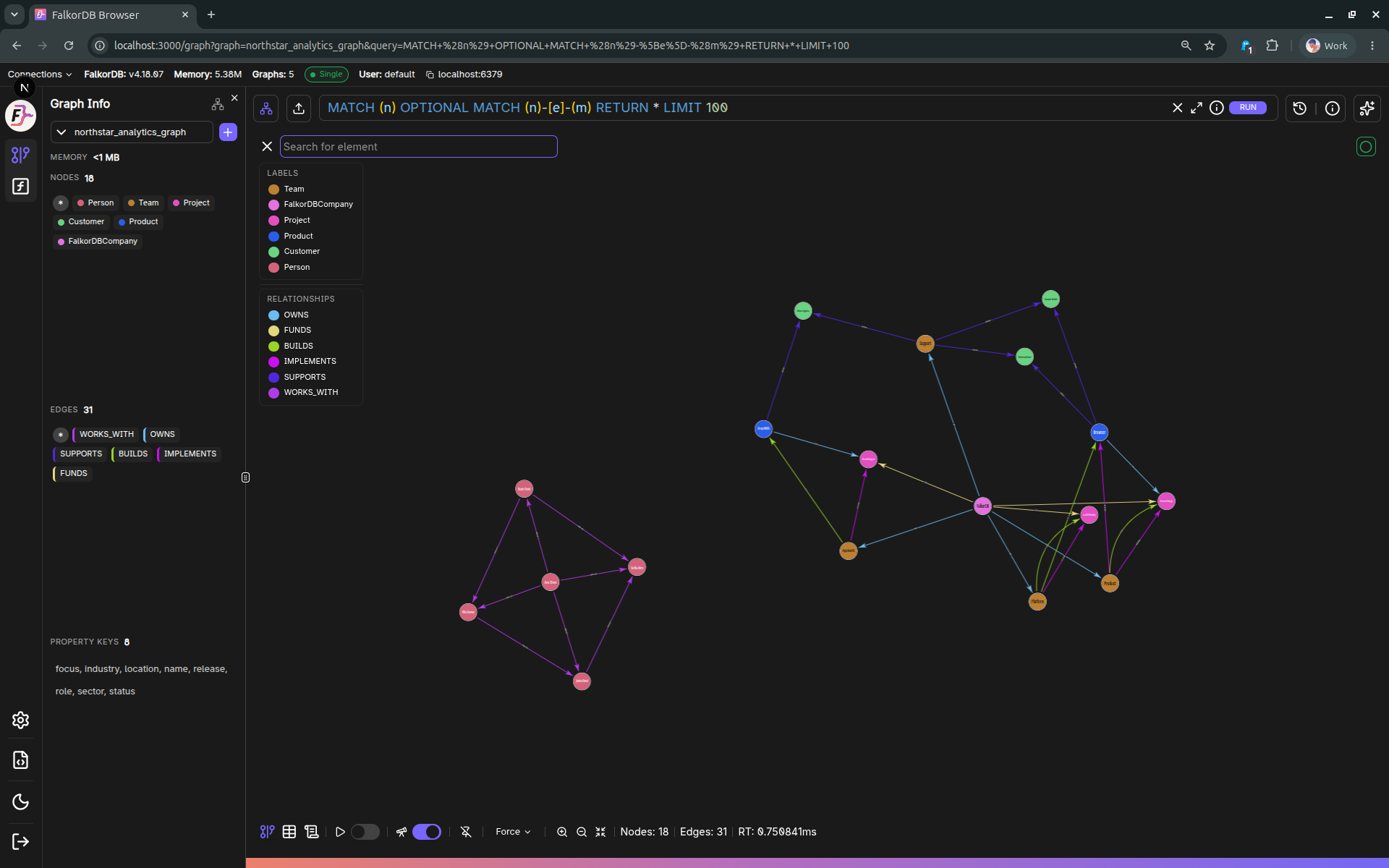
In-canvas element search
The search input supports matching against:
- Node/edge property values (string prefix match)
- IDs
- Relationship type (edges)
- Labels (nodes)
Keyboard behavior:
Enter: jump/select the highlighted suggestionArrow Up/Down: move through suggestionsEsc: clear search
Selecting a suggestion zooms/fits the canvas around the matched element.
Element actions (create / delete)
When the user is not Read-Only, the toolbar supports:
- Add node
- Add edge (typically only enabled when two nodes are selected)
- Delete selected element(s)
These actions open additional UI (e.g., the Add panel) and/or call graph API routes.
Layout & limit warnings
The toolbar can display warnings when:
- The current query hit a result limit
- The configured limit changed relative to the last query
Frequently Asked Questions 4
How does the in-canvas search work?
Type in the search input to match against node/edge property values (prefix match), IDs, relationship types, or labels. Select a suggestion to zoom the canvas to that element.
How do I add a new node to the graph?
Click the Add node button in the toolbar (available to non–Read-Only users). This opens the Add panel where you can specify labels and properties for the new node.
How do I add an edge between two nodes?
Select two nodes on the canvas, then click Add edge in the toolbar. This is typically only enabled when exactly two nodes are selected.
What does the result limit warning mean?
It means your query returned more results than the configured limit allows. Increase the result limit in Settings → Browser Settings → Query execution to see more results.