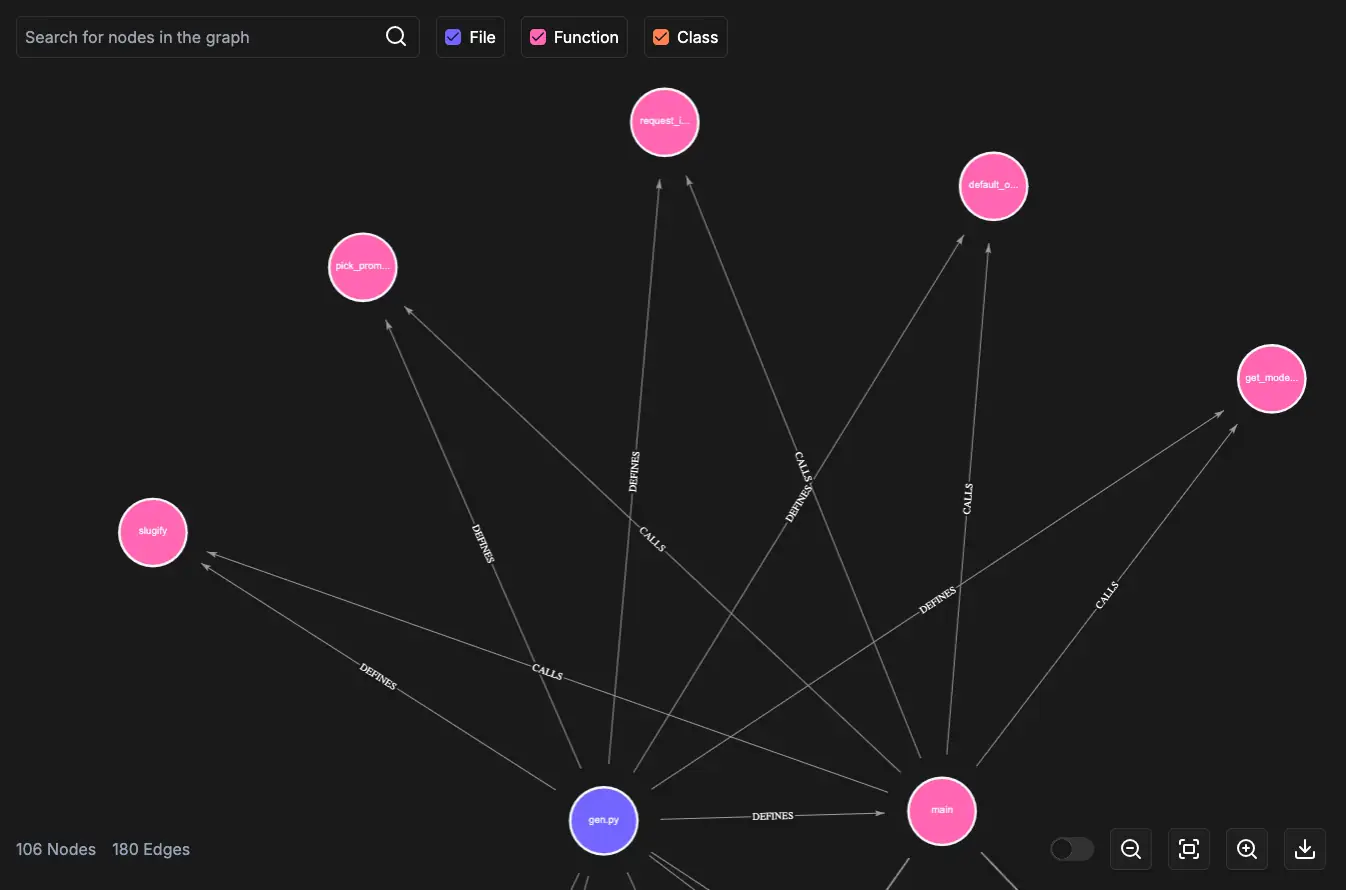
Code-Graph
Visualize codebases as knowledge graphs to analyze dependencies, detect bottlenecks, and optimize projects.
Code-Graph is a FalkorDB-powered tool that indexes source code repositories into a knowledge graph. It provides an interactive web UI and a CLI for exploring code structure, querying relationships between entities, and chatting with your codebase using GraphRAG.

Key Features
| Feature | Description |
|---|---|
| Code knowledge graph | Indexes source code into a FalkorDB graph with entities (classes, functions, files) and relationships (calls, imports, inherits). |
| Interactive web UI | React-based frontend for visualizing and exploring the code graph with pan, zoom, and search. |
| GraphRAG chat | Ask natural-language questions about your codebase. Powered by LiteLLM and FalkorDB GraphRAG. |
CLI tool (cgraph) |
Index repositories, search entities, explore relationships, and find paths from the terminal. All output is JSON. |
| Git history analysis | Analyze git history to understand how code evolves. |
| Multi-language support | Analyzers for Python, Java, and C#. |
Supported Languages
Code-Graph currently supports the following languages:
- Python (
.py) - Java (
.java) - C# (
.cs)
Running with Docker
Clone the Code-Graph repository and navigate into it:
git clone https://github.com/FalkorDB/Code-Graph.git
cd Code-Graph
Using Docker Compose
docker compose up --build
This starts FalkorDB and the Code-Graph app together.
Using Docker directly
Start a FalkorDB instance:
docker run -p 6379:6379 -it --rm falkordb/falkordb
Build and run the Code-Graph container:
docker build -t code-graph .
docker run -p 5000:5000 \
-e FALKORDB_HOST=host.docker.internal \
-e FALKORDB_PORT=6379 \
-e MODEL_NAME=gemini/gemini-flash-lite-latest \
-e GEMINI_API_KEY=<YOUR_GEMINI_API_KEY> \
-e SECRET_TOKEN=<YOUR_SECRET_TOKEN> \
code-graph
Running Locally
Prerequisites
- Python
>=3.12,<3.14 - Node.js 20+
uv- A FalkorDB instance (local or FalkorDB Cloud)
1. Start FalkorDB
Option A: Free cloud instance at app.falkordb.cloud
Option B: Run locally with Docker:
docker run -p 6379:6379 -it --rm falkordb/falkordb
2. Configure environment variables
cp .env.template .env
| Variable | Description | Required | Default |
|---|---|---|---|
FALKORDB_HOST |
FalkorDB hostname | No | localhost |
FALKORDB_PORT |
FalkorDB port | No | 6379 |
FALKORDB_USERNAME |
FalkorDB username | No | |
FALKORDB_PASSWORD |
FalkorDB password | No | |
SECRET_TOKEN |
Token for protected endpoints | No | |
CODE_GRAPH_PUBLIC |
Set 1 to skip auth on read-only endpoints |
No | 0 |
MODEL_NAME |
LiteLLM model used by /api/chat |
No | gemini/gemini-flash-lite-latest |
HOST |
Uvicorn bind host | No | 0.0.0.0 |
PORT |
Uvicorn bind port | No | 5000 |
The chat endpoint also requires the provider credential for your chosen MODEL_NAME. The default model is Gemini, so set GEMINI_API_KEY unless you use a different LiteLLM provider.
3. Install dependencies
# Backend
uv sync --all-extras
# Frontend
npm install --prefix ./app
4. Run the app
Backend + frontend (development):
# Terminal 1: backend API
uv run uvicorn api.index:app --host 127.0.0.1 --port 5000 --reload
# Terminal 2: Vite dev server
cd app && npm run dev
The Vite dev server runs on http://localhost:3000 and proxies /api/* requests to http://127.0.0.1:5000.
Single-process production build:
npm --prefix ./app run build
uv run uvicorn api.index:app --host 0.0.0.0 --port 5000
CLI Tool (cgraph)
Code-Graph includes a CLI tool for indexing codebases and querying the knowledge graph from the terminal.
Install
# Install from PyPI
pip install falkordb-code-graph
# Or with pipx (recommended)
pipx install falkordb-code-graph
Usage
# Ensure FalkorDB is running
cgraph ensure-db
# Index the current project
cgraph index . --ignore node_modules --ignore .git --ignore venv
# Index a remote repository
cgraph index-repo https://github.com/user/repo --ignore node_modules
# List indexed repos
cgraph list
# Search for entities by name prefix
cgraph search parse_config
# Explore relationships (what does node 42 call?)
cgraph neighbors 42 --rel CALLS
# Find call-chain paths between two nodes
cgraph paths 42 99
# Show repo statistics
cgraph info
Run cgraph --help for full details.
Creating a Code Graph
Analyze a local folder
curl -X POST http://127.0.0.1:5000/api/analyze_folder \
-H "Content-Type: application/json" \
-H "Authorization: Bearer <YOUR_SECRET_TOKEN>" \
-d '{"path": "<FULL_PATH_TO_FOLDER>", "ignore": [".github", ".git"]}'
Analyze a Git repository
curl -X POST http://127.0.0.1:5000/api/analyze_repo \
-H "Content-Type: application/json" \
-H "Authorization: Bearer <YOUR_SECRET_TOKEN>" \
-d '{"repo_url": "https://github.com/user/repo", "ignore": [".github", ".git"]}'
List indexed repositories
curl http://127.0.0.1:5000/api/list_repos
Note: If
SECRET_TOKENis set andCODE_GRAPH_PUBLICis not enabled (1), add-H "Authorization: Bearer <YOUR_SECRET_TOKEN>"to the request.
GraphRAG Chat
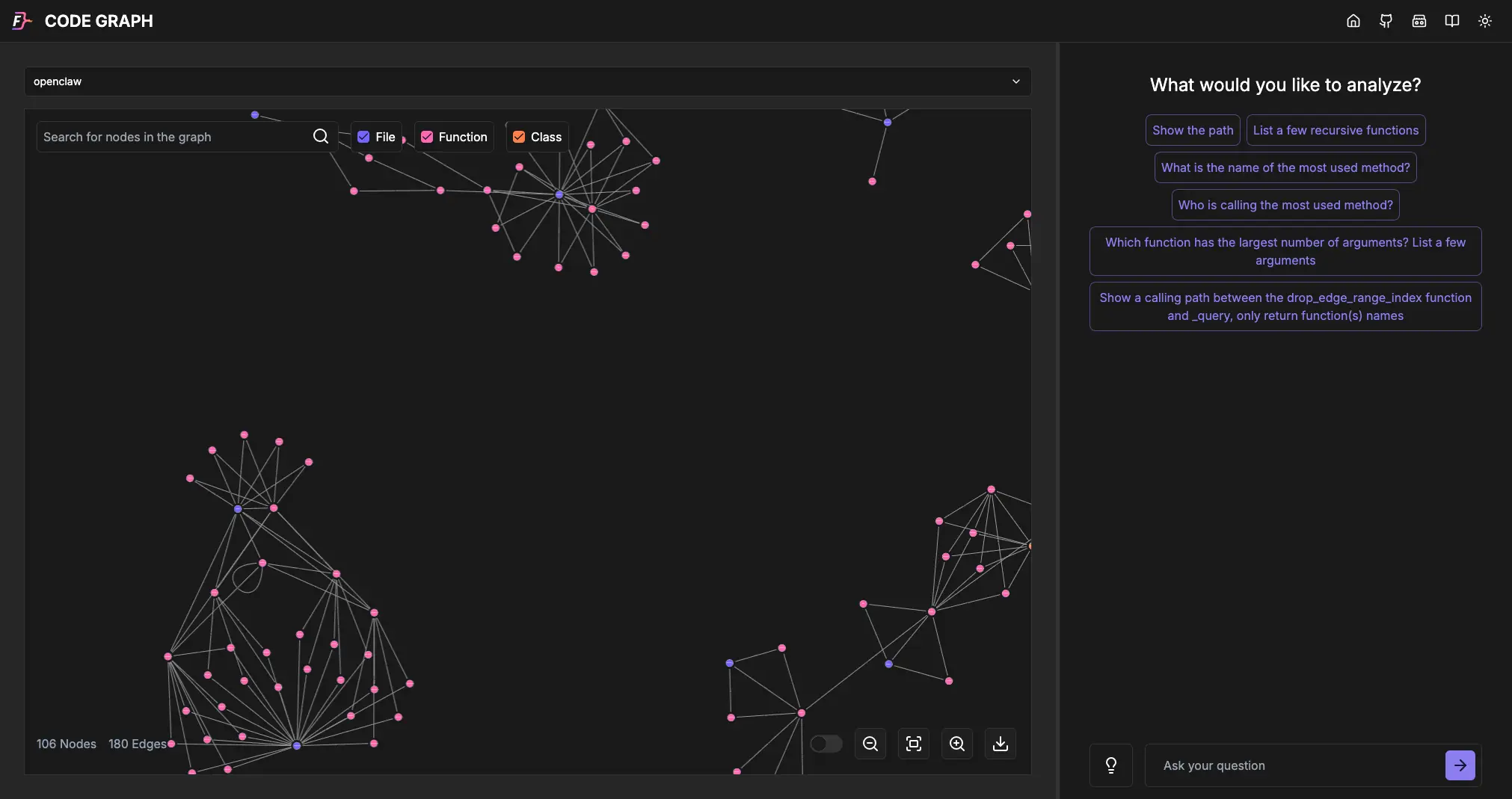
Use the built-in chat interface to ask natural-language questions about your codebase. Code-Graph translates your questions into graph queries and returns contextual answers powered by LiteLLM and FalkorDB GraphRAG.
API Endpoints
Read endpoints
| Method | Endpoint | Description |
|---|---|---|
| GET | /api/list_repos |
List all indexed repositories |
| GET | /api/graph_entities?repo=<name> |
Fetch a subgraph for a repository |
| POST | /api/get_neighbors |
Return neighboring nodes for the provided IDs |
| POST | /api/auto_complete |
Prefix-search indexed entities |
| POST | /api/repo_info |
Return repository stats and metadata |
| POST | /api/find_paths |
Find paths between two graph nodes |
| POST | /api/chat |
Ask questions over the code graph via GraphRAG |
| POST | /api/list_commits |
List commits from the repository’s git graph |
Mutating endpoints
| Method | Endpoint | Description |
|---|---|---|
| POST | /api/analyze_folder |
Analyze a local source folder |
| POST | /api/analyze_repo |
Clone and analyze a git repository |
| POST | /api/switch_commit |
Switch the indexed repository to a specific commit |
Authentication
| Behavior | Description |
|---|---|
| Token auth | Send Authorization: Bearer <SECRET_TOKEN> when SECRET_TOKEN is configured. |
| Read endpoints | Use the public_or_auth dependency — accessible without auth if CODE_GRAPH_PUBLIC=1. |
| Mutating endpoints | Require the token_required dependency — always need a valid token. |
| No token configured | Requests are accepted without an Authorization header when SECRET_TOKEN is unset. |