Navigation & Header
FalkorDB Browser uses a left sidebar (header) for navigation and global actions.
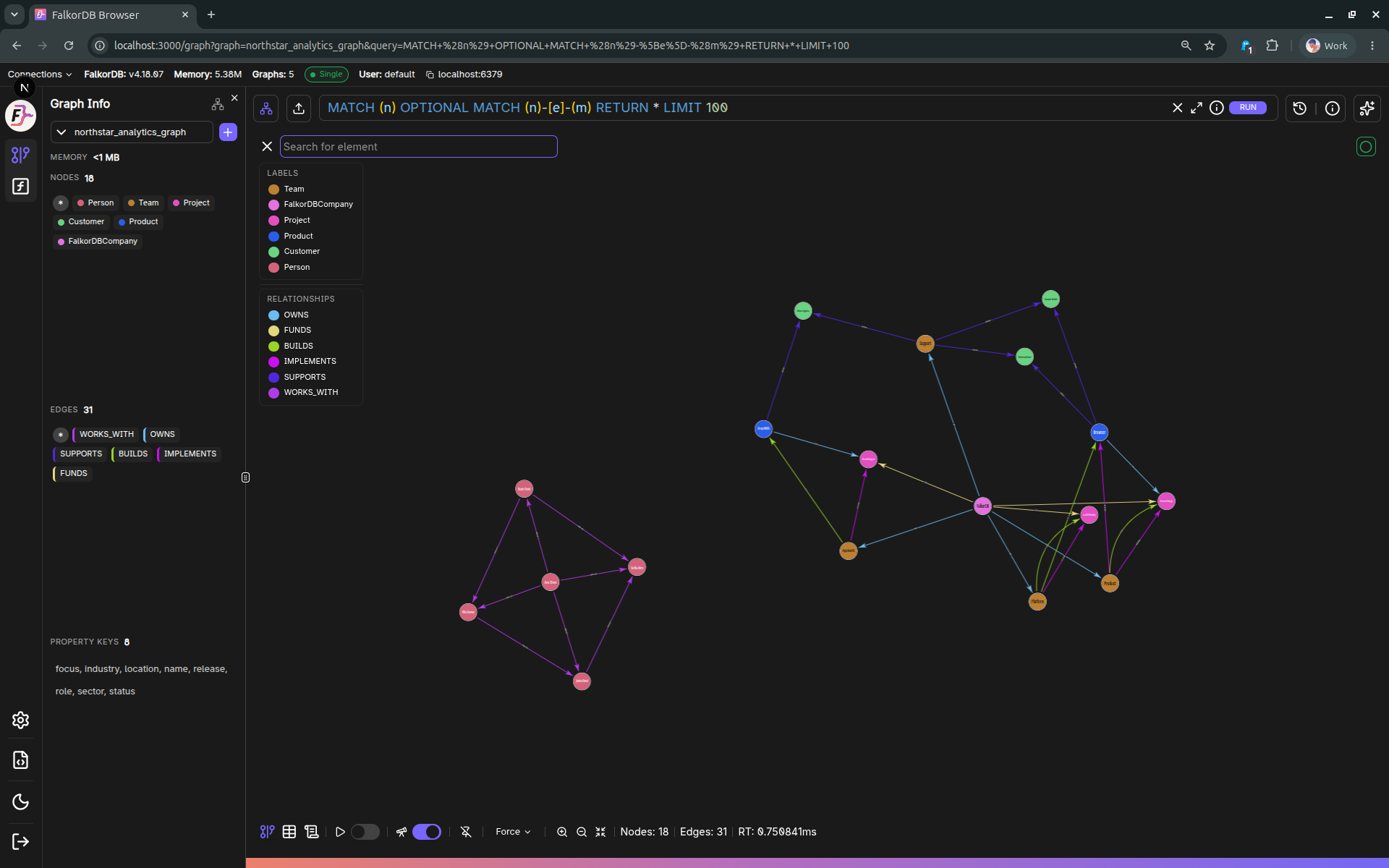
Main navigation buttons
Located in the sidebar under the user name/version block:
- SETTINGS → opens
/settings - GRAPHS → opens
/graph
Contextual graph controls (Graphs page)
When you are on Graphs (/graph) and a graph is selected:
- Graph Info toggle (database icon) opens/closes the Graph Info panel.
- CHAT toggle opens/closes the Chat side panel (requires an LLM connection and model configured in Settings).
Create graph
For non–Read-Only users, the sidebar can expose Create Graph (depending on the current route).
Help menu
The “Help” button (file/code icon) opens a menu with:
- Documentation (external)
- API Documentation (
/docs) - Support (Discord)
- About drawer
Theme toggle
The theme toggle cycles through:
- Dark → Light → System → Dark
Connection indicators
The sidebar may show connection “mode” badges (e.g. Single/Sentinel/Cluster) and an Offline indicator when the backend is unreachable.
Logout
The logout button signs out and redirects to /login.
Frequently Asked Questions 4
How do I switch between Graphs and Settings?
Use the left sidebar navigation buttons. Click GRAPHS to open /graph or SETTINGS to open /settings.
How do I change the theme (dark/light mode)?
Click the theme toggle button in the sidebar. It cycles through Dark → Light → System → Dark.
What does the Offline indicator mean?
The Offline badge appears in the sidebar when the Browser cannot reach the backend server. Check your network connection and ensure the FalkorDB server is running.
How do I open the Chat panel?
On the Graphs page, click the CHAT toggle in the left sidebar. Note: Chat requires an LLM connection and model to be configured in Settings first. You can use either a cloud API key or a local Ollama/LM Studio connection.