

Add a payment method
- In the sidebar, open Account Management > Payment Settings.
- Select Add payment method.
- Enter your card details and country.
- Select Save Payment Method.
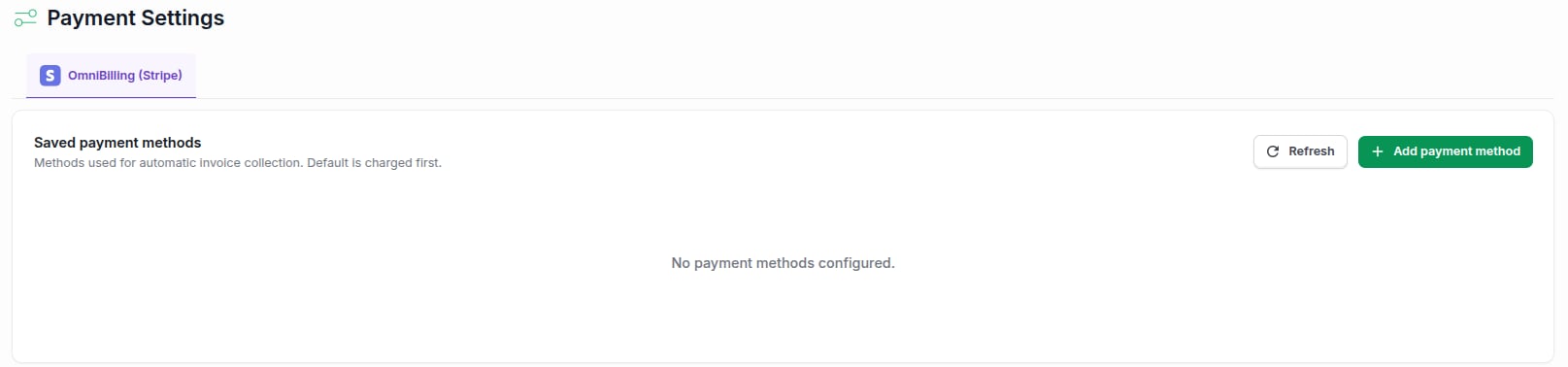
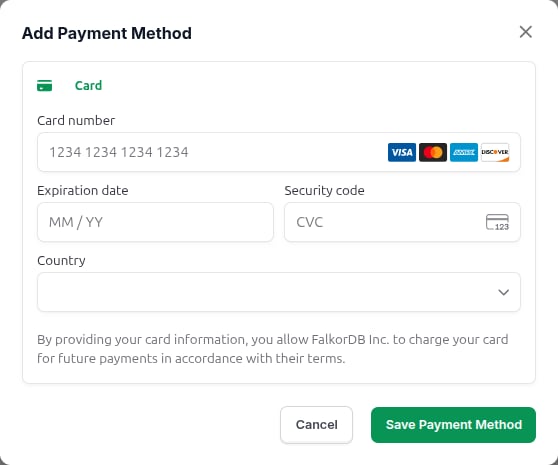
If you see a Configure button instead of Add payment method, select it. It opens the Stripe billing portal, where you add and manage payment methods.
Change the default payment method
The default method is charged first for each invoice.- Open Account Management > Payment Settings.
- Next to the method you want, select Set default.
remove to confirm.
Review your balance and invoices
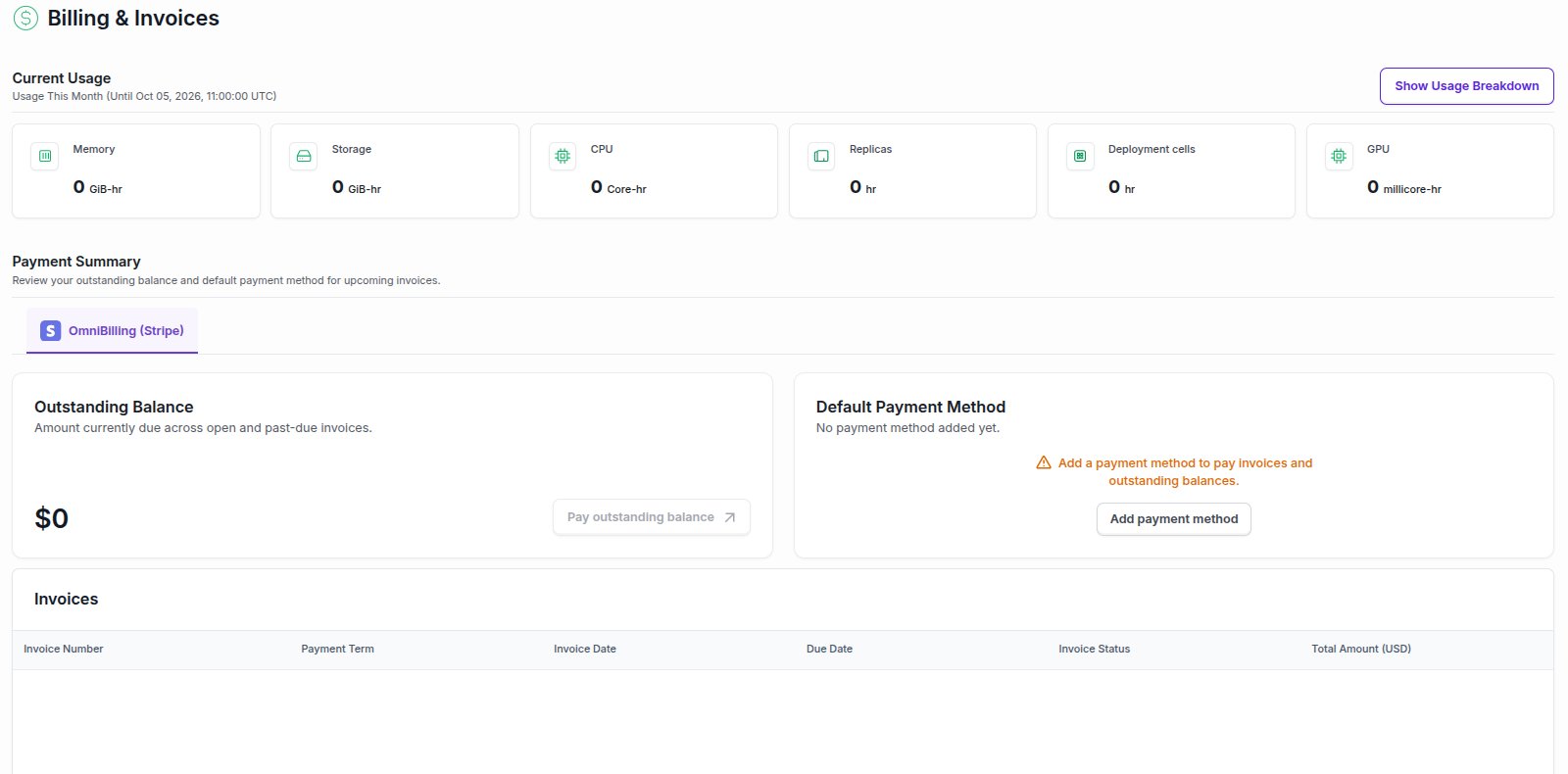
Open Account Management > Billing to see the Billing & Invoices page:- Current Usage shows what you’ve used so far this month: memory, storage, CPU, replicas, and more. Select Show Usage Breakdown for the details.
- Payment Summary shows your Outstanding Balance and your Default Payment Method. Select Pay outstanding balance to pay it now, or Add payment method if you don’t have one yet.
- Invoices lists past invoices with their status, dates, and total amount.
Frequently asked questions
How am I charged?
How am I charged?
Paid tiers are billed by usage per hour. See the pricing on each tier page: Startup, Pro, and Enterprise.
What happens if my payment method is missing?
What happens if my payment method is missing?
Instances on a paid subscription need a payment method to keep running. Add one from Payment Settings as soon as you see the banner on the Instances page.